Best SSDs Under Rs 5000 in 2026: What to Buy and What to Avoid
Introduction
Upgrading from a hard drive to an SSD is still one of the biggest practical upgrades for an old PC or laptop. Boot times, app launches, file searches, and game loading all improve immediately.
This guide is based on published specifications and typical budget SSD options, not a lab test. Online prices change often, so check current pricing, warranty, and seller reputation before buying.
First: Check Compatibility
Before picking a drive, check what your device supports:
| Device Type | Most Likely Upgrade |
|---|---|
| Older laptop with a hard drive | 2.5-inch SATA SSD |
| Recent laptop with an M.2 slot | M.2 NVMe SSD |
| Desktop PC | SATA SSD or M.2 NVMe, depending on motherboard |
| External portable drive | USB SSD enclosure or ready-made portable SSD |
Do not buy an NVMe drive unless your laptop or motherboard has a compatible M.2 NVMe slot. Some older M.2 slots support only SATA.
Good Budget SATA Pick: Samsung 870 EVO
The Samsung 870 EVO is a strong SATA SSD when it fits your budget. Samsung lists sequential speeds up to 560 MB/s read and 530 MB/s write, which is close to the practical limit of SATA III.
Why it remains a safe pick:
- Mature SATA platform
- Good software support through Samsung Magician
- 5-year limited warranty
- Strong endurance rating for the 500GB model
The downside is price. It can cost more than cheaper SATA drives and sometimes overlaps with entry-level NVMe models.
Good Value SATA Pick: Crucial BX500
The Crucial BX500 is usually cheaper than premium SATA SSDs and is a sensible choice for basic laptop upgrades. It is best for everyday use: Windows, office apps, browsing, and light gaming.
The trade-off is that lower-cost SATA drives may slow down during long sustained writes, especially if they lack DRAM cache. For normal use, that is usually acceptable.
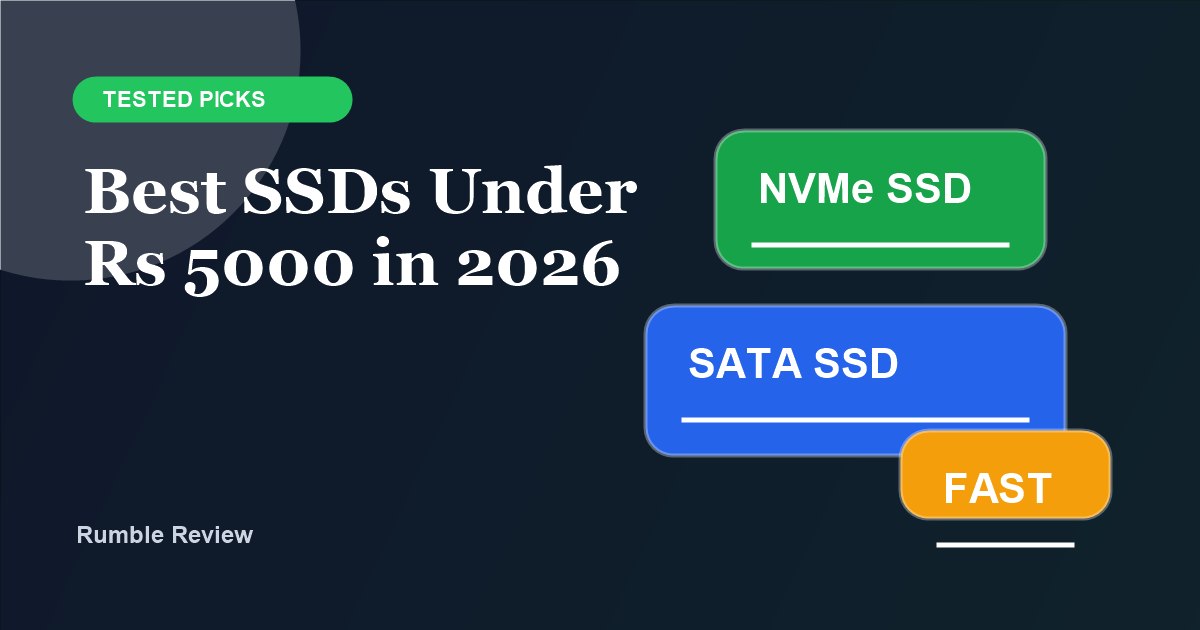
When to Choose NVMe Instead
If your device supports NVMe and a 500GB NVMe drive is priced close to a SATA SSD, buy NVMe. Even budget NVMe drives can be much faster for large file transfers and modern workloads.
Look for:
- PCIe NVMe support in your laptop or motherboard
- 500GB or higher capacity when possible
- Published TBW/endurance rating
- 3-year or 5-year warranty
- A known controller/NAND brand where available
What to Avoid
Avoid SSD listings that:
- Claim unrealistic capacity for the price
- Do not mention warranty
- Have no clear brand or support page
- Use confusing wording such as "SSD-like speed"
- Hide whether the drive is SATA or NVMe
Also be careful with very small 120GB or 128GB drives. They can work as boot drives, but Windows updates and apps fill them quickly.
Practical Recommendation
For most buyers under Rs 5000:
| Situation | Best Choice |
|---|---|
| Old laptop hard drive replacement | 500GB SATA SSD |
| Recent laptop with M.2 NVMe slot | 500GB NVMe SSD |
| Desktop boot drive | 500GB NVMe if supported, otherwise SATA |
| Very tight budget | 240GB/256GB SSD only if you store files elsewhere |
Verdict
Buy an SSD from a known brand, choose at least 500GB if your budget allows, and match the form factor to your device. SATA is still fine for older machines, but NVMe is the better choice when your hardware supports it and the price difference is small.
Frequently Asked Questions
Is an SSD worth it under Rs 5000?
Yes. Even a budget SATA SSD is much faster than a hard drive for booting Windows, opening apps, and loading games.
Should I buy a SATA or NVMe SSD?
Buy NVMe if your laptop or motherboard supports it and the price is close. Buy SATA if you are upgrading an older laptop or desktop that only has a 2.5-inch drive bay.
Which SSD brand should I trust?
Prefer models from brands with clear warranty support and published specifications, such as Samsung, Crucial, Western Digital, Kingston, and WD/SanDisk. Avoid unknown drives with no warranty or fake capacity listings.